

Cardano staking is a way to earn rewards while actively contributing to the security and decentralization of the Cardano blockchain. When you stake your ADA tokens, you participate in the network’s governance and help maintain its robustness and efficiency. Trust Wallet, a secure and user-friendly platform, makes staking Cardano simple and accessible, even for those new to cryptocurrency.
This guide will walk you through the entire process of how to stake ADA using Trust Wallet. From downloading Trust Wallet, to managing your staked tokens, you’ll find everything you need in this guide to stake ADA.
Before You Get Started
Remember that you can use Trust Wallet as your secure crypto wallet. Buy, sell, swap and stake crypto all in one place.
Trust Wallet also lets you manage and interact with 10M+ crypto assets across 100+ blockchains. Download the latest version of Trust Wallet today.

What is Cardano Staking?
Cardano staking involves delegating your ADA tokens to a staking pool, which helps secure the network and validate transactions. In return for your contribution, you earn rewards in the form of additional ADA tokens. Staking Cardano with Trust Wallet is a simple process, giving you an easy and secure way to participate in the network and grow your ADA holdings.
Why Choose Trust Wallet for Staking Cardano?
Trust Wallet is an excellent choice for staking Cardano (ADA) because of its user-friendly interface and robust security features. The app simplifies the staking process, making it accessible for both beginners and experienced users. With Trust Wallet, you maintain full control over your ADA tokens, ensuring that your assets remain secure and under your control.
The app integrates staking features seamlessly, ensuring you can easily delegate your ADA, track your staking progress, and manage rewards from within the app. Trust Wallet supports a wide range of cryptocurrencies, so you can manage all your assets in one place. Additionally, Trust Wallet benefits from an active community and responsive support, providing a reliable platform for all your Cardano staking needs.
Key Details for Staking Cardano Using Trust Wallet
When you stake Cardano using Trust Wallet, it's essential to be aware of several key details to make the most of your staking experience:
Minimum amount to stake ADA: In order to participate in staking, you need to have ADA on your wallet. You can stake a minimum of 4 ADA. Make sure you have some extra tokens to cover your network fees.
Lockup period: When you stake ADA, there is a lockup period of approximately 2 epochs, which is approximately 5 days. During this time, your staked ADA will be locked, meaning you won't have access to it for the duration of the lockup. After the lockup period ends, you will start earning rewards and can access your staked ADA if you decide to unstake.
Staking yield (APR): The Annual Percentage Rate (APR) for staking ADA can fluctuate based on network conditions and validator performance. Trust Wallet provides current APR rates in the ‘Earn’ section of the app, ensuring you stay informed about your potential rewards.

How to Stake Cardano
Before you stake, be sure that you have the most up-to-date version of Trust Wallet.
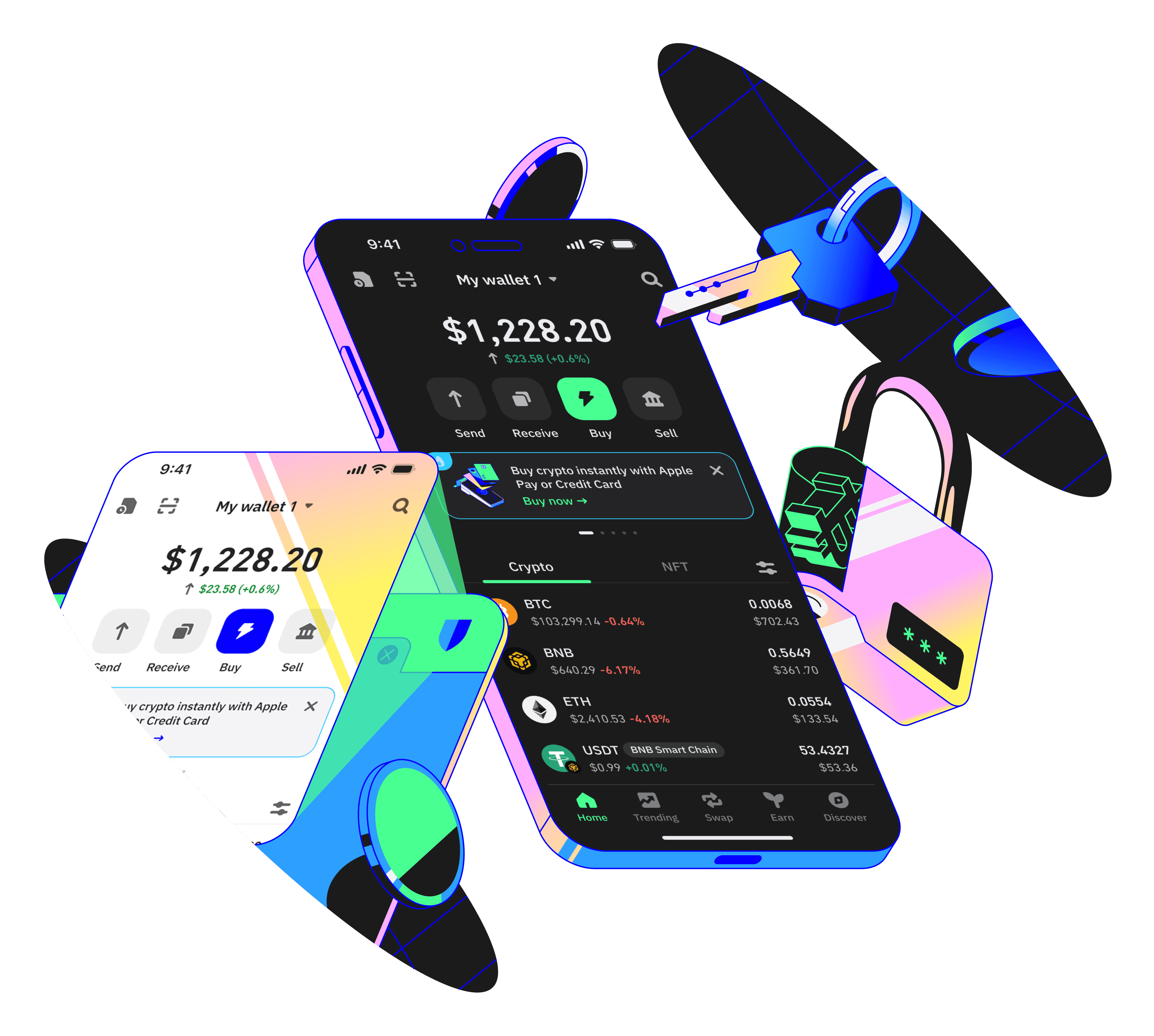
Next, if you don’t have any ADA in your wallet, you can deposit crypto using the “Receive” button, or buy crypto directly using Trust Wallet.
Now you’re ready to stake and earn rewards. Staking can be done in just a few steps, and here’s how.
Note: Below, we’ll use staking ADA as the example, but the process is generally the same for each asset.
Part 1:
Select the “Earn” button from the wallet home screen.
Select the asset you want to stake, in this example it’s “ADA.”
Select “Stake.”
Choose the amount you want to stake, and choose the validator you want to use by selecting the Validator dropdown.
Once you choose a validator, select “Continue.”
Follow the remaining instructions to confirm your stake.

Part 2:
Cardano recently introduced a major network upgrade (CIP-1694), changing how staking rewards are claimed. To unlock and withdraw your ADA rewards, you now need to delegate your voting power to a DRep (Delegated Representative) — a step toward Cardano’s new on-chain governance model. In Trust Wallet, this process is simple:
Go to your ADA wallet
Tap Earn > Native Staking
Select Governance Status to choose your preference (Delegate, Abstain, or No Confidence). Once confirmed, you’ll be able to claim your rewards as usual — all without leaving the app.
How to Unstake Cardano in Trust Wallet
If you would like to unstake your ADA, simply follow the steps below:
Navigate to ‘Earn’ on the main wallet page and select ADA.
Choose the Unstake option and proceed as per the given instructions.
Note: Please note that in Cardano staking, your ADA is never locked. You can withdraw your ADA to another address at any time if you need to transfer or sell it.
In addition to staking crypto, Trust Wallet lets you manage and interact with 10M+ crypto assets across 100+ blockchains. Download the latest version of Trust Wallet today.
Closing Thoughts
By following this guide, you can confidently navigate the Cardano staking process, from setting up your wallet to choosing a staking pool and monitoring your rewards.
Trust Wallet is a secure and user-friendly platform for managing your ADA staking activities, ensuring that you remain in control of your assets throughout the staking period. With a clear understanding of the staking requirements, lockup periods, and reward mechanisms, you're well-equipped to make the most of your Cardano staking experience.
Disclaimer: Content is for informational purposes and not investment advice. Web3 and crypto come with risk. Please do your own research with respect to interacting with any Web3 applications or crypto assets. View our terms of service.
Join the Trust Wallet community on Telegram. Follow us on X (formerly Twitter), Instagram, Facebook, Reddit, Warpcast, and Tiktok
Note: Any cited numbers, figures, or illustrations are reported at the time of writing, and are subject to change.